How it works
-
Listening…
passport in the kitchen drawer
What PassportWhere kitchen drawer
Release to save
First, hold the button and say it.
-
Latest
just nowPassport
kitchen drawer
UndoEditSaved
Passport → kitchen drawer
Then let go, and Lorilo keeps it.
-
pass
1 result
3 weeks agoPassport
kitchen drawer
Later, ask Lorilo where it is.
-
With you now
Put backPassport
It was in kitchen drawer
Latest
just nowKeys
hook by the front door
Once found, it’s with you now.
Or try one of these
What PassportWhere kitchen drawer
Passport is in…
kitchen drawer
saved just now
Before that
First place recorded.
Save something
What
Where
Where is it? Lorilo needs the place too.
You say Lorilo keeps
Every screen
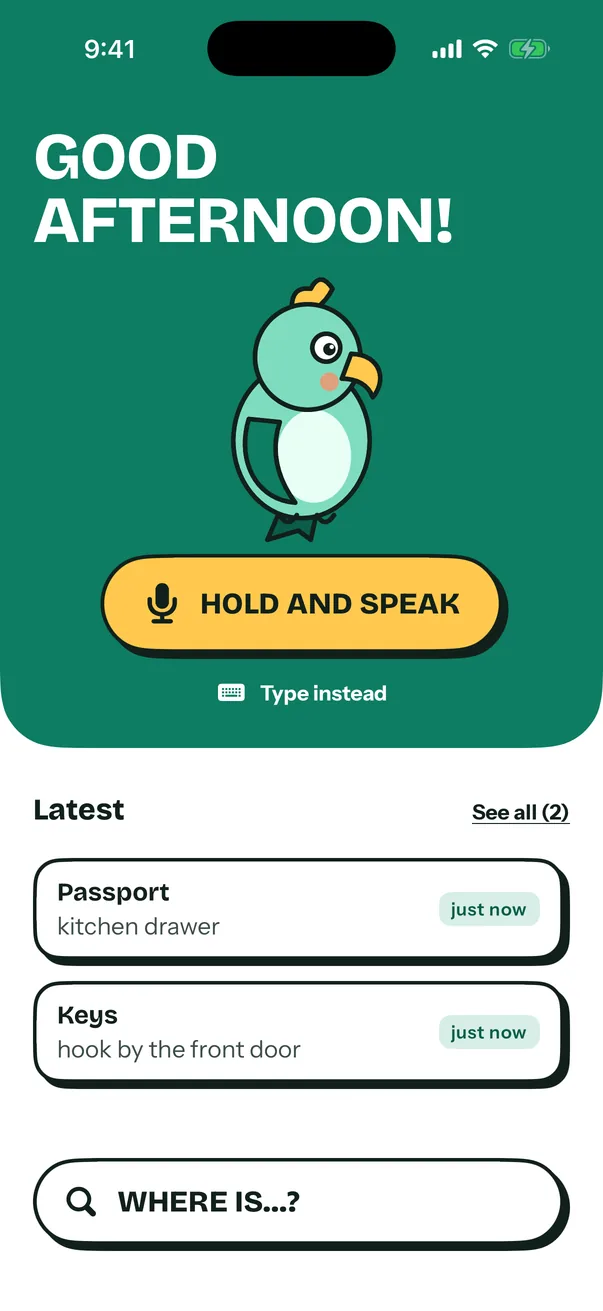
Nothing leaves your phone
Lorilo keeps your list on your phone and nowhere else. There’s no account to make and nothing to sign in to.
No ads, no tracking, and no server of ours that your things could travel to; on Android the app doesn’t even ask for internet access. The microphone listens only while you hold the button. Your phone’s own speech recognition turns the words into text, on the device whenever it can, and Lorilo never records or keeps the audio. If you back up your phone, the list goes along with that backup. Delete a thing and it’s gone. Read the privacy policy.
Questions
Is Lorilo free?
Yes. Everything in this version is free, and there’s no limit on how many things you save.
What do I say?
The thing, then the place, the way you’d tell someone at home: “passport in the kitchen drawer”, “spare key in the blue mug”, “charger under the sofa”.
Words like under, behind and next to stay with the place, so you hear them back.
What if Lorilo gets it wrong?
Every save shows what Lorilo understood, with Undo and Edit right there. If it can’t tell the thing from the place, it opens the form with what it heard so you can finish it. You can always tap Type instead.
What happens when I move something?
Say it again with the new place. Lorilo moves it and keeps the old place under Before that.
What does Found it! do?
It tells Lorilo the thing is with you. It shows under With you now for the rest of that day, with Put back for when it’s home again.
Does it work without internet?
Your list lives on the phone, so typing, searching and finding all work offline. Speaking works offline when your phone has an offline voice model for your language; otherwise its speech service needs a connection.
Which languages does it understand?
English and Portuguese, both in the app and in what you say.
Is my list backed up?
Lorilo has no cloud of its own. If you back up your phone with iCloud or Google, your list goes along with that backup.
How do I reach you?
Write to support@lorilo.app. Tell us which phone you use and what happened.